► The Brief
Online cube solvers expect people to type colour codes and read back notation like R U' F2, which is no help to someone who has never solved a cube.
► What I Built
A solver anyone can use, with guides to learn it properly.
- 3D cube you paint by tapping, on phone or desktop.
- Checks the colours and explains any mistake.
- About 20 turns, each animated and explained in plain English.
- Guides, blog and full SEO with schema.
- Free, paid for by adverts.
The brief
It started with a scrambled cube and a simple ask: just tell me how to fix it. Most online Rubik’s Cube solvers expect you to type colour codes into a grid and then read back a string of notation like R U’ F2. That’s fine if you already speak cube, and useless if you don’t. So we built Sort My Cube, a solver anyone can use, that shows every turn on a 3D cube and explains it in plain English.
What we built
A 3D cube you paint, not a form you fill in
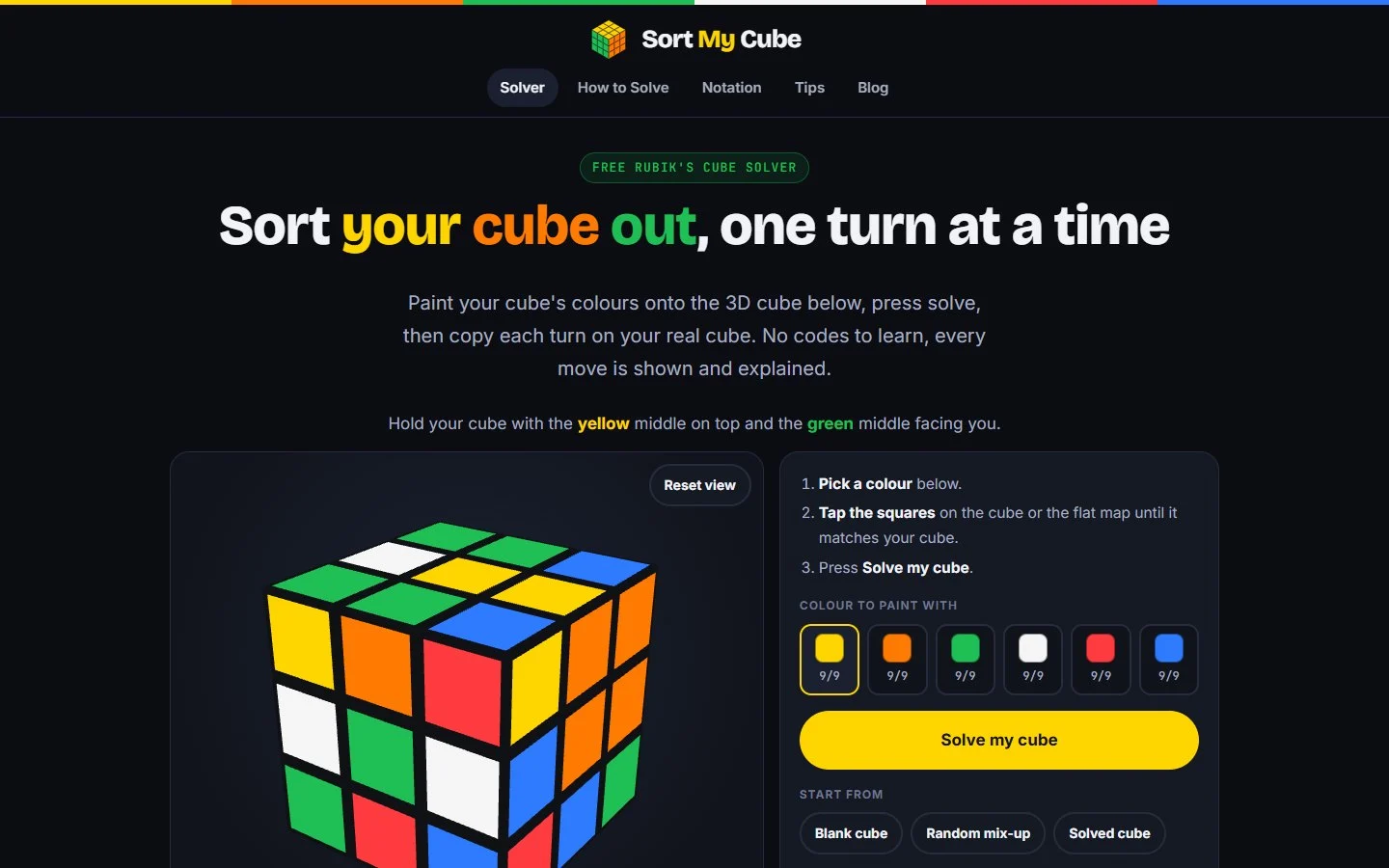
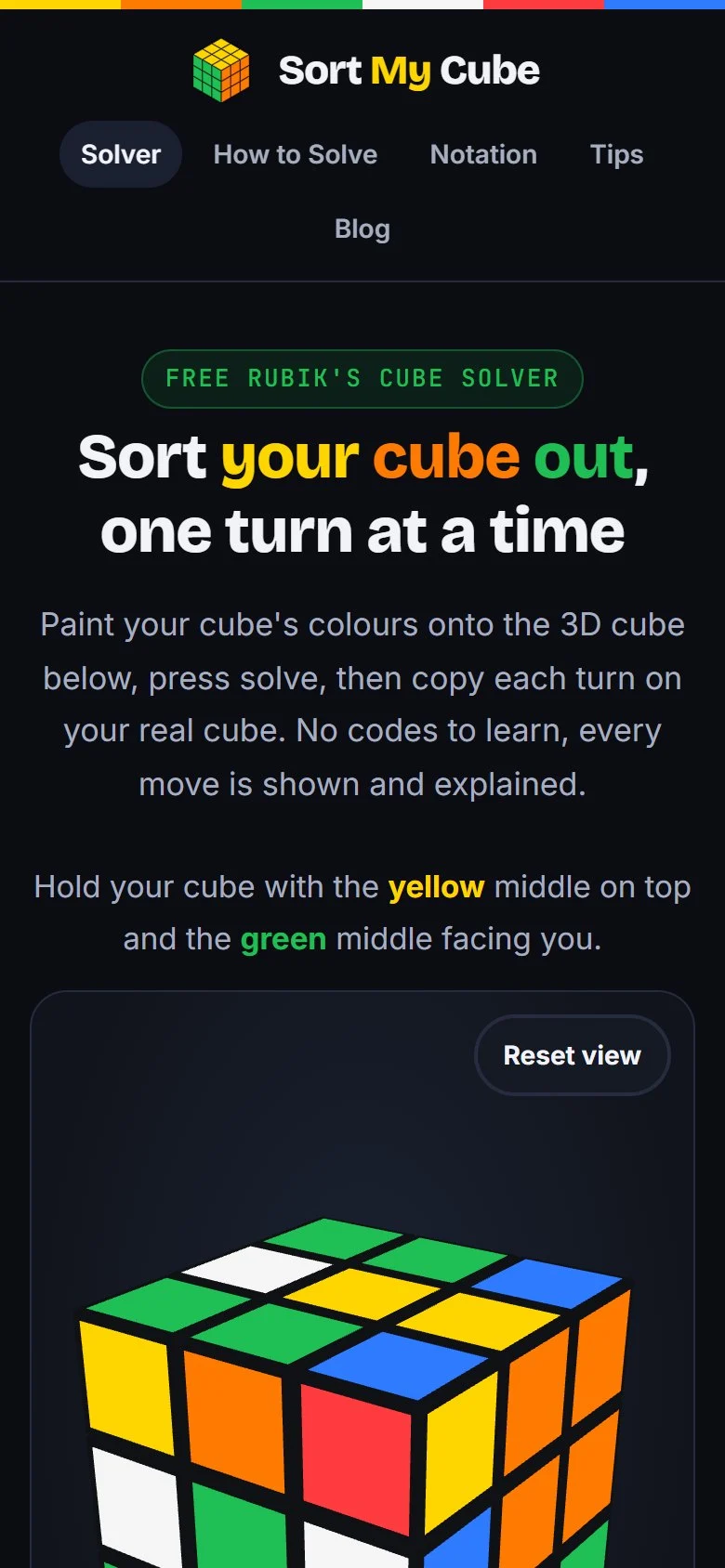
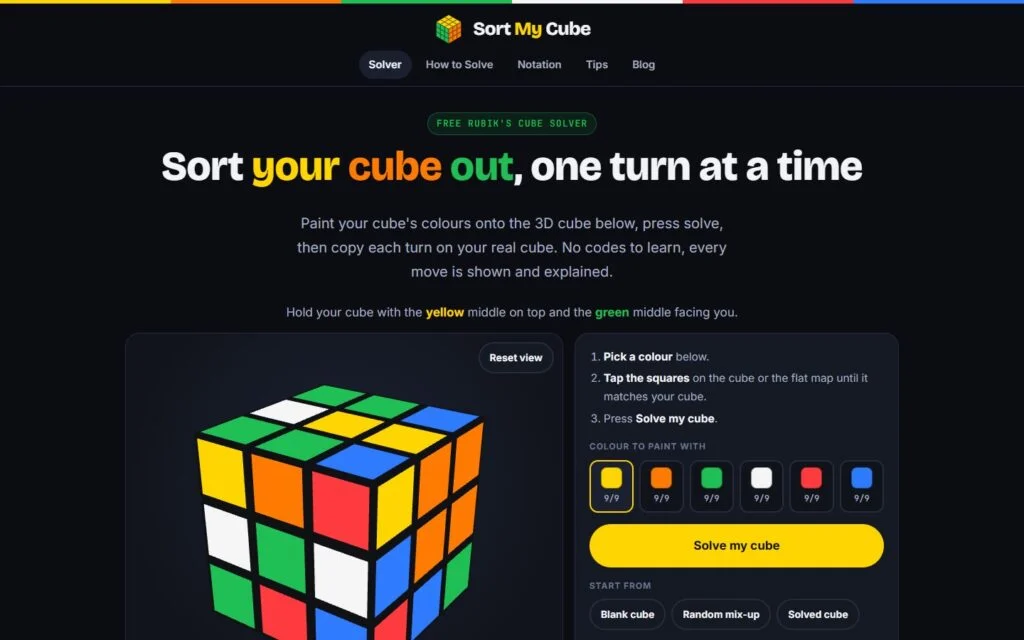
The cube on the home page is drawn live in the browser with three.js. Pick a colour and tap the squares on the cube or on a flat map of all six sides, and the two stay in sync. Drag to look round the back, and each colour shows how many of its 9 squares you’ve used.
A checker that explains what’s wrong
Before solving, it checks the colours the way the maths of the cube does: every corner and edge must exist exactly once, corner twists and edge flips must add up, and piece swaps must balance. Instead of a bare “invalid” it says what’s wrong in words and marks the squares to look at.
A short solution, shown one turn at a time
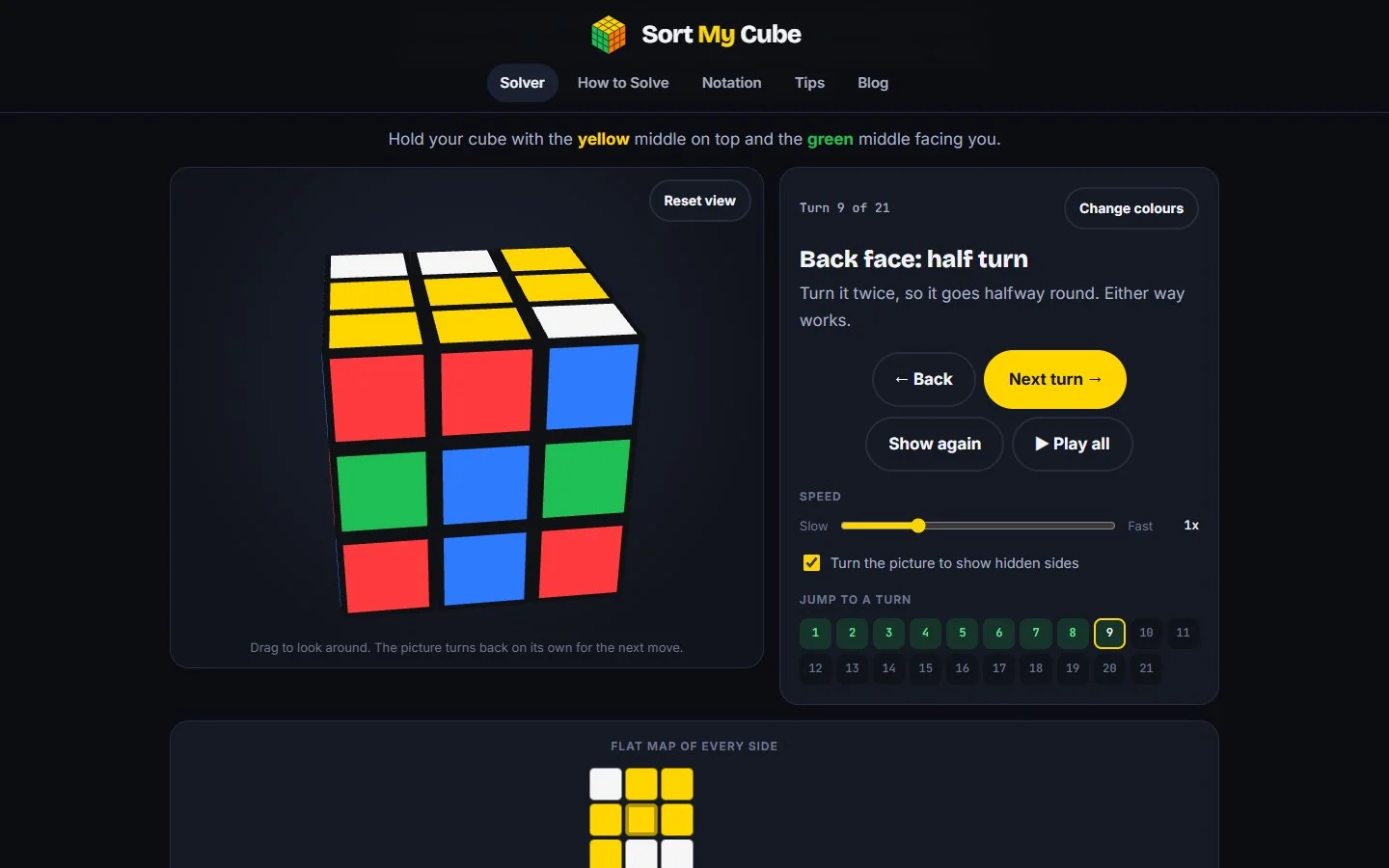
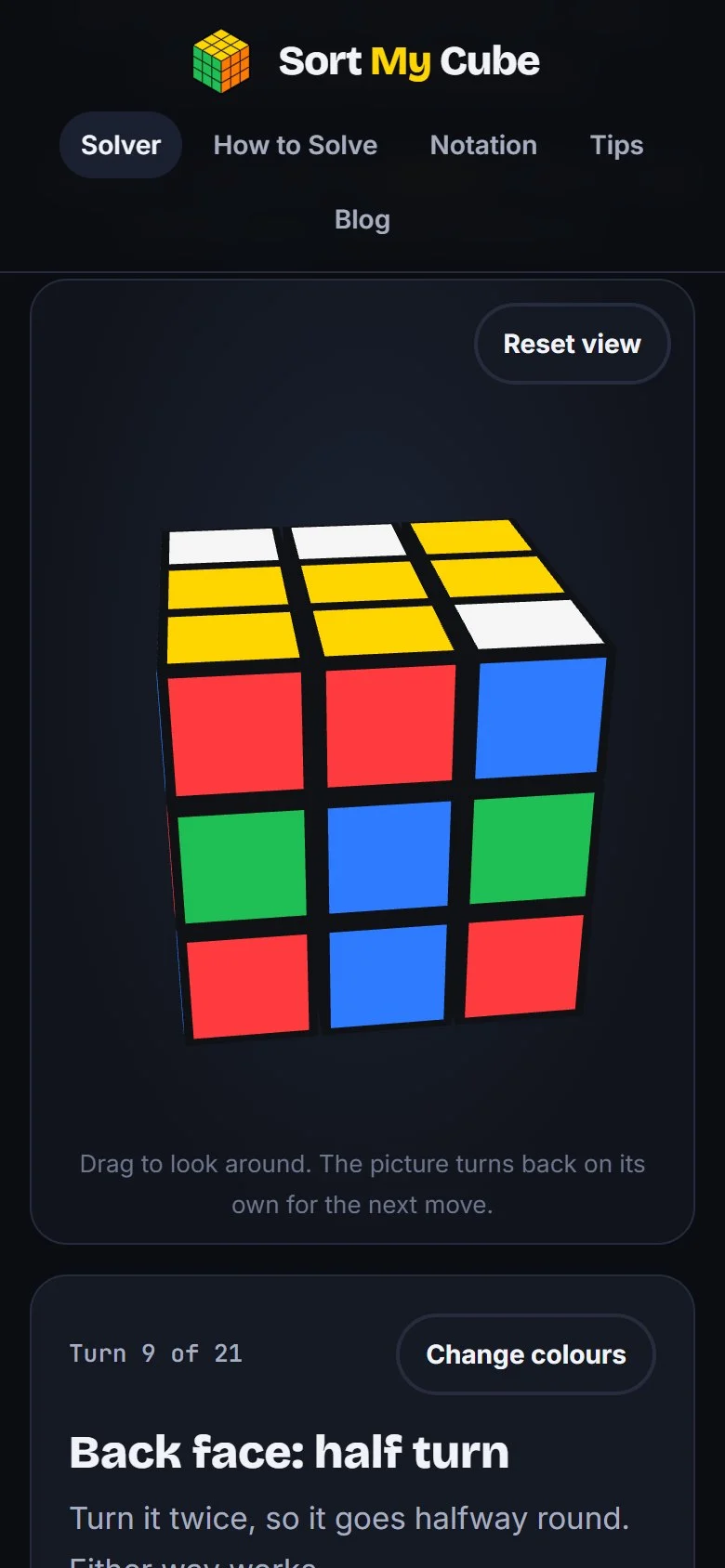
The solver uses Herbert Kociemba’s two-phase method and usually finds around 20 moves. Each turn is animated: the layer lifts, turns slowly, and the picture swings round when the move is on a side you can’t see. Next, Back, Show again, Play all and a speed slider make it easy to copy on a real cube.
Guides, a blog and full SEO
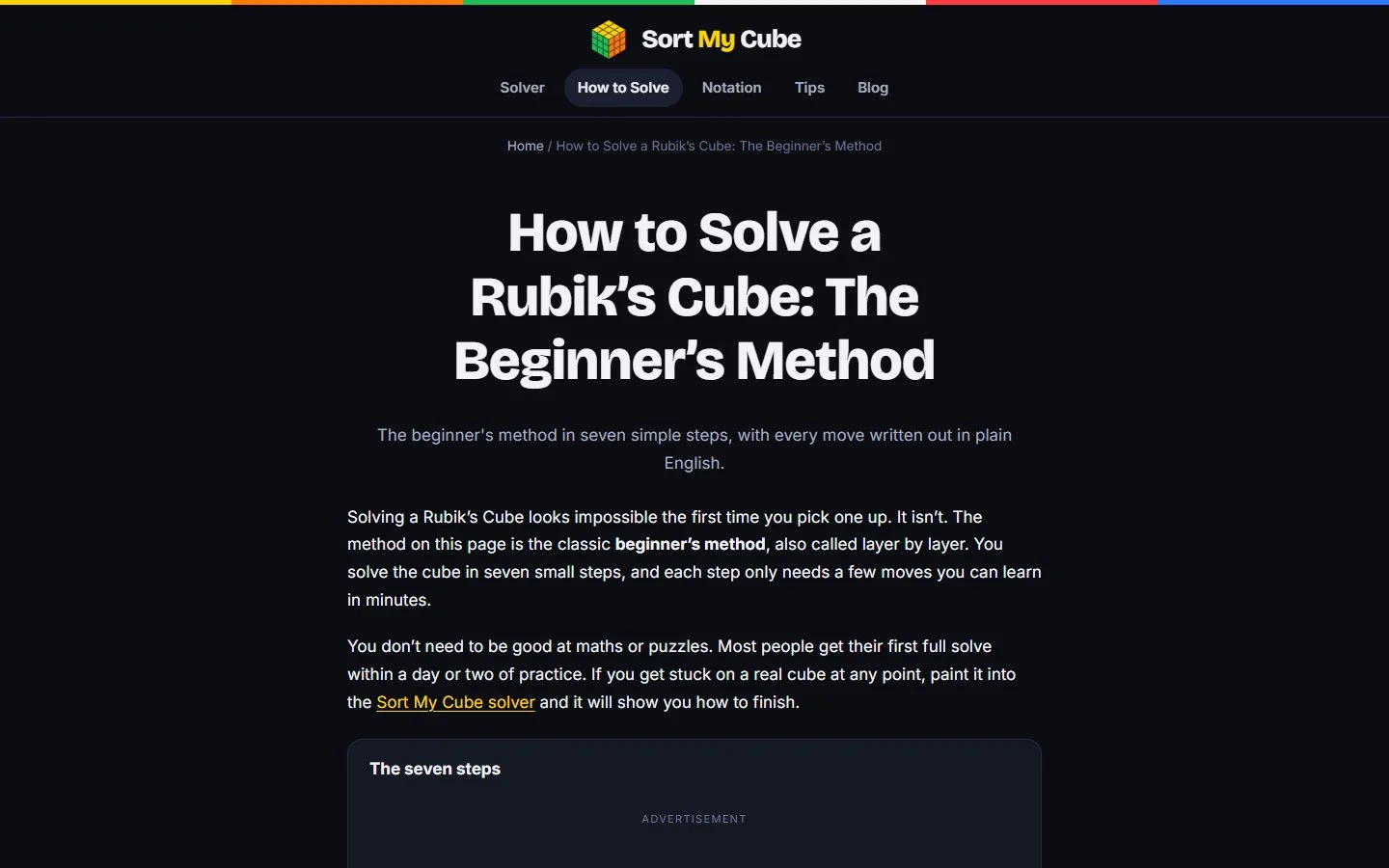
Alongside the solver there’s a seven-step beginner’s guide with every move written in words, a notation guide, tips and a blog. Our own SEO plugin adds meta titles and descriptions, social share images, breadcrumbs and structured data for the solver app, the how-to steps, FAQs and articles, and the site is in Google Search Console from day one.
Dark, fun and fast on a phone
A dark theme in the six cube colours, centred buttons and a layout built phone-first, because that’s where people are when they’ve got a cube in their other hand. The CSS is served inside each page so it appears instantly, and the 3D and solver code only loads on the pages that need it.
Paid for by adverts, private by design
Sort My Cube is free for everyone. Google AdSense pays for it, with Google’s consent message for UK and EU visitors, and the solver itself runs entirely in the browser, so nothing a visitor paints is ever sent to the server.
The result
Sort My Cube is live at sortmycube.com. It’s also on our Free Tools page.
Screenshots