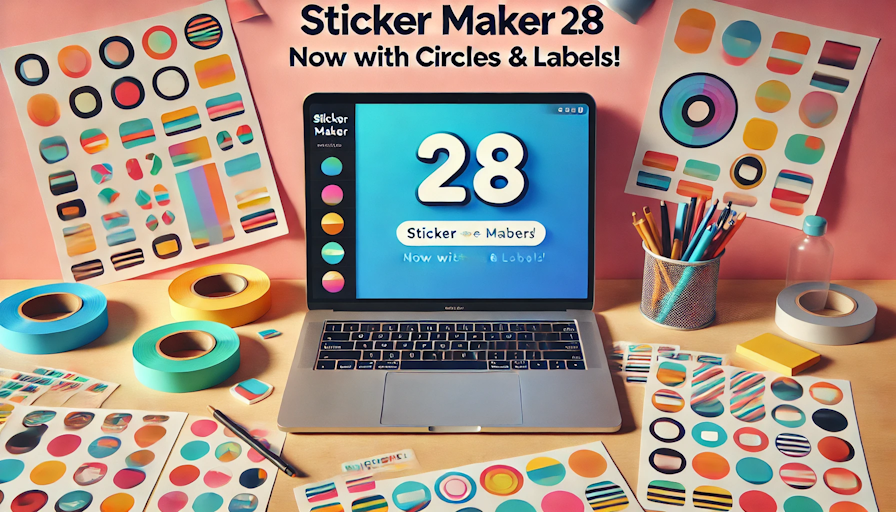
Stickers are more than just decorations—they’re essential for crafting, business branding, education, and personal projects. But if you’ve ever tried to format and print them without the right tool, you know the frustration of misaligned layouts, wasted paper, and time-consuming edits. That’s why I originally built the Sticker Page Maker, and now, with Version 2.8, it’s better than ever!
What’s New in Version 2.8?
This isn’t just another minor update—it’s a game changer. Here’s what’s been added:
✅ Circle Stickers! Now you can crop square images into perfectly round stickers with a single click.
✅ Rectangle Labels! Custom label-style sizing for packaging, business use, and more.
✅ Faster Processing! Generating print-ready PDFs now takes seconds, so you can get more done.
✅ Improved A4 Layouts! Even more stickers per sheet with smarter space management.
Why This Update Matters
I’ve spent a lot of time listening to real users—people who use this tool daily for crafting, business, or classroom projects. One of the biggest requests was circle stickers, and I knew I had to make it happen.
Another challenge was maximising space on an A4 sheet. Nobody wants to waste paper, especially when printing in bulk. With Version 2.8, the layout efficiency is better than ever, helping you fit more stickers on a single page—saving time and money.
How Version 2.8 Makes Your Life Easier
Here’s how this update takes sticker printing to the next level:
Custom Stickers Made Easy – Whether you need round, square, or rectangular stickers, the new layout options give you more flexibility than ever.
Business Branding & Labels – The rectangle options make it perfect for product labels, packaging, and professional branding.
✂️ Crafting, Scrapbooking & DIY Projects – If you love making stickers for fun, circle cropping and optimised layouts make printing a breeze.
Education & Teachers – Quickly resize images and create sticker sheets for lessons, worksheets, or classroom activities.
The Power of a Simple, Free Tool
I built this tool to take the hassle out of sticker printing. You shouldn’t need expensive design software or hours of frustration just to get perfectly sized stickers. That’s why Version 2.8 is free to use, simple to navigate, and fast enough to keep up with any project.
What’s Next?
I’m always looking for ways to improve this tool and add features that make sense. But for now, I’m excited for you to try out Version 2.8 and see how much smoother your sticker-making process becomes.