As someone who loves to work on in-house crafting projects, I often found myself needing a quick and easy way to produce stickers—specifically 65mm stickers—to fit onto 75mm tins. But, despite using everything from Paint.NET to Photoshop, there just didn’t seem to be a straightforward way to do this without jumping through hoops. And if there was, I sure couldn’t find it. That’s when I decided to create Sticker Page Maker, and honestly, it’s been a game-changer.
What Makes Sticker Page Maker Special?
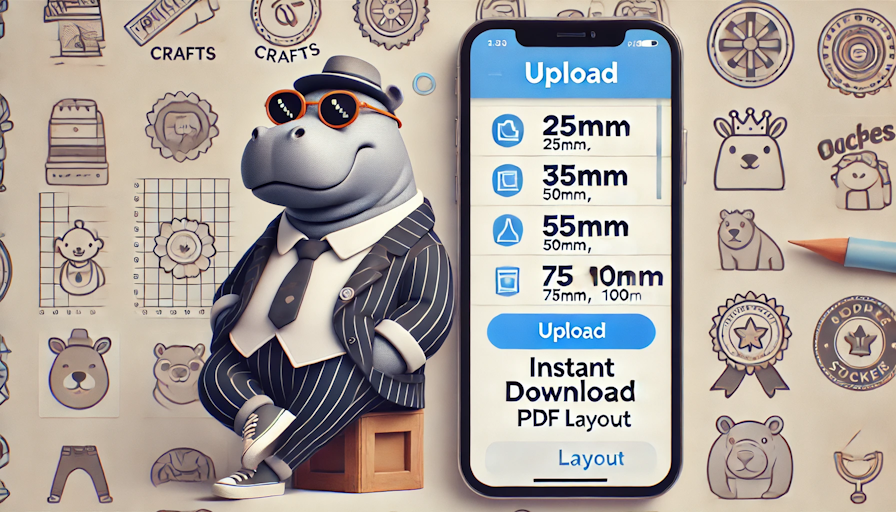
Sticker Page Maker was designed with simplicity and speed in mind. It’s all about quick duplication of images set to specific sizes. Whether I need 25mm, 35mm, 50mm, 65mm, 75mm, or even 100mm stickers, the process is effortless. You just upload your picture, choose your preferred size, and in no time, the app gives you a print-ready PDF with perfectly laid out stickers.
The best part? It works for anyone who needs perfectly sized stickers, fast. No more spending hours resizing in complex software—just upload, choose, and print. It’s been an absolute lifesaver for my crafting, and I hope it becomes the same for you.
Who Could Benefit from This Tool?
I initially created this for my own projects, but soon realised how useful it could be for so many others. Here’s who I think could get the most out of Sticker Page Maker:
- Trophy and Awards Makers: Get your designs ready in no time and make custom labels for awards.
- Badge Makers: Easily print out badge designs in the perfect size.
- Crafters: Whether you’re creating stickers for tins, notebooks, or any other project, this tool has got you covered.
And honestly, the possibilities are endless. If you work in any industry where you frequently need stickers, labels, or small printable designs, you’ll quickly see why Sticker Page Maker is a must-have.
What You’ll Need
To make the most of Sticker Page Maker, I highly recommend investing in some good-quality tools to streamline your printing and cutting process. Here are a few things I personally use:
- 25mm Circle Cutter – https://amzn.to/3BqpYIu
- 50mm Circle Cutter – https://amzn.to/3zEej8l
- 75mm Circle Cutter – https://amzn.to/4dy1ZnY
These circle cutters make cutting your stickers a breeze, and they’re available right on Amazon. Pair that with some self-adhesive glossy paper (which you can also grab from Amazon), and you’re all set for professional-quality stickers that look and feel great.
Final Thoughts
Honestly, creating Sticker Page Maker has been one of the best decisions for my projects. It has simplified what used to be a frustrating process and turned it into something fun, fast, and efficient. If you’re someone who constantly needs to produce custom stickers, labels, or badges, this tool will change the way you work—trust me.
Give it a try in the Apps Menu above and let me know how it works for you! I hope it becomes as much of a game-changer for you as it has been for me.